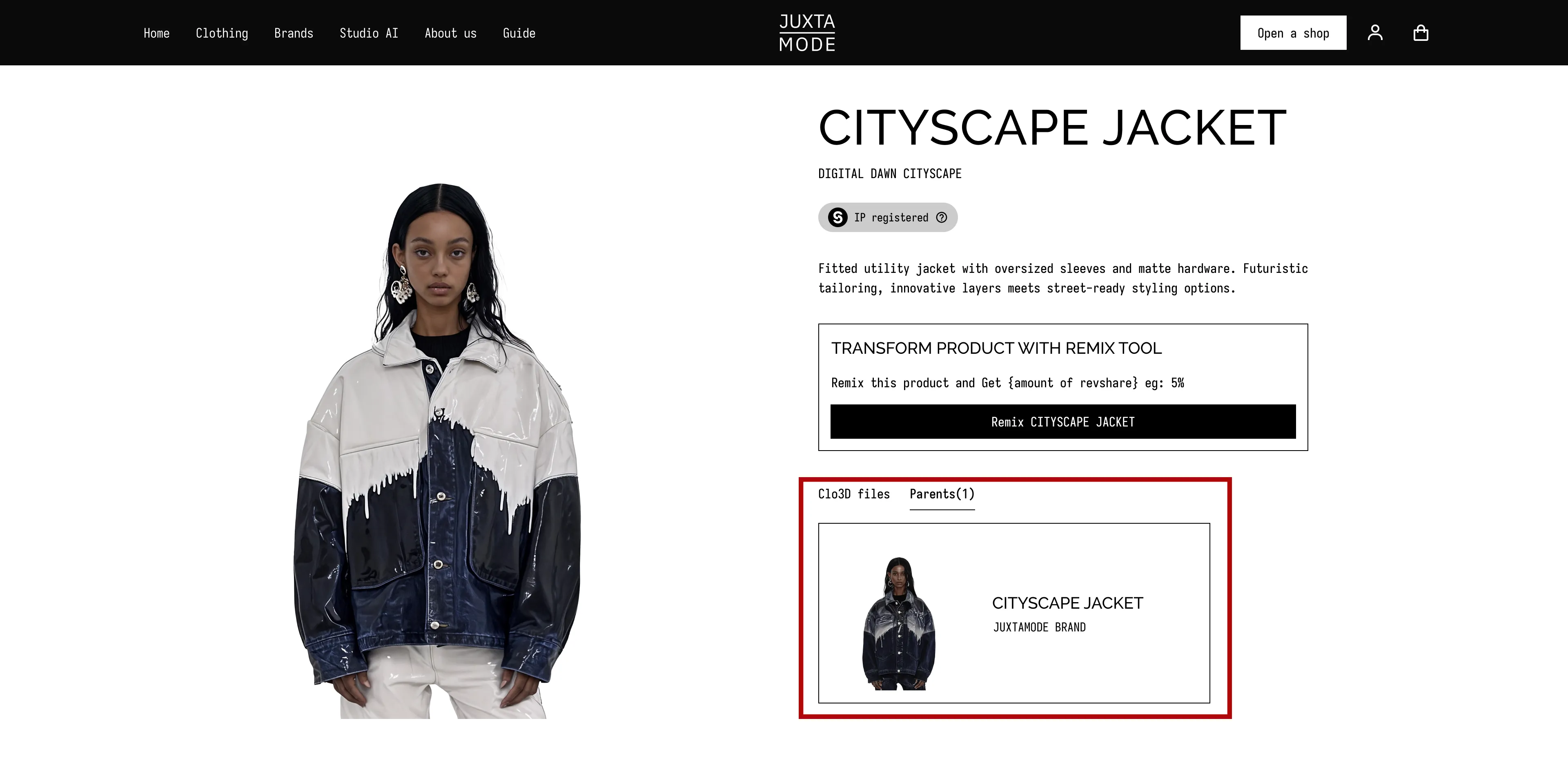
Create and Publish Your Remix Collection
To create your Remix Collection:
-
Pick a Garment to Remix
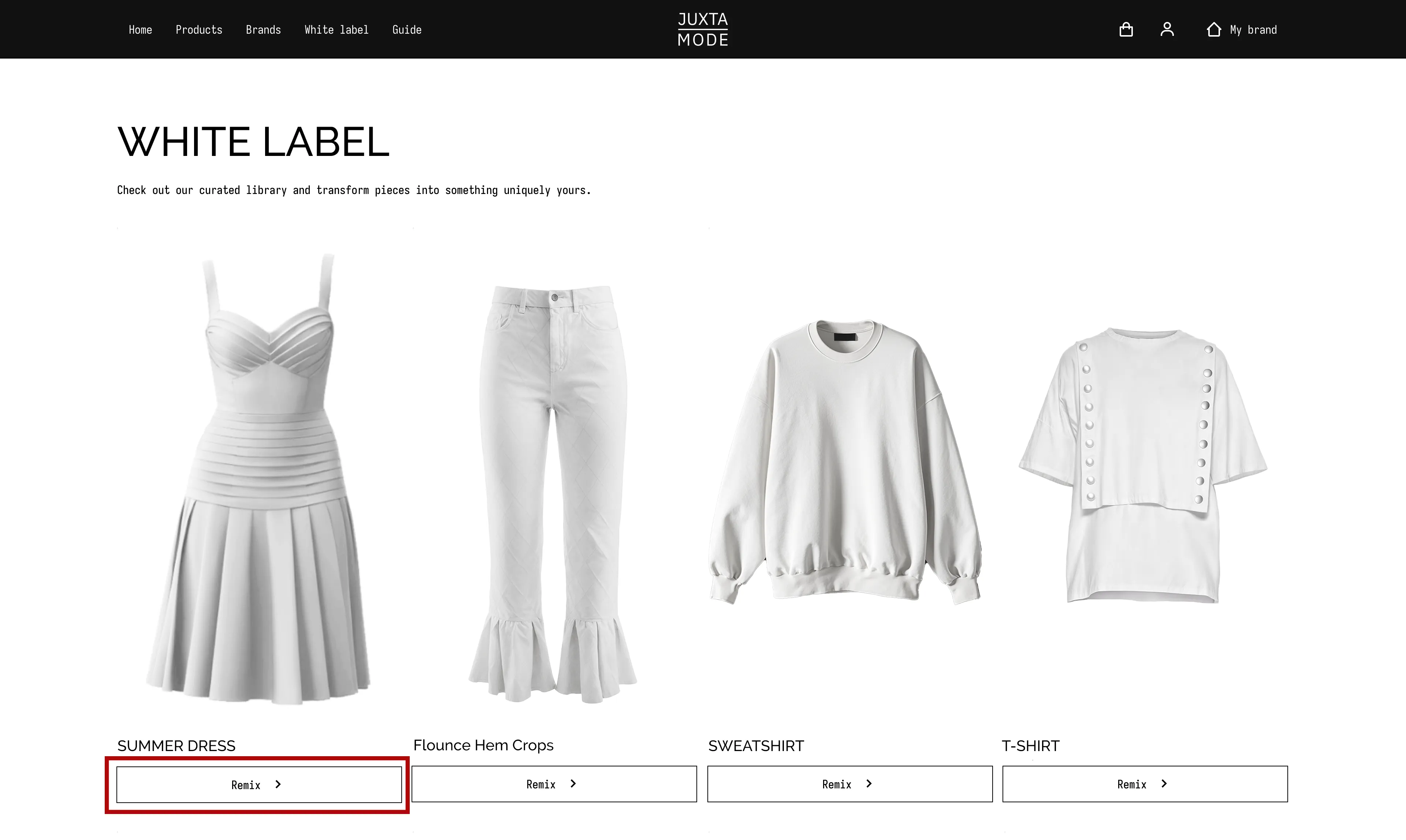
To remix an item from the White Label Catalog, press the "Remix" button under the product.
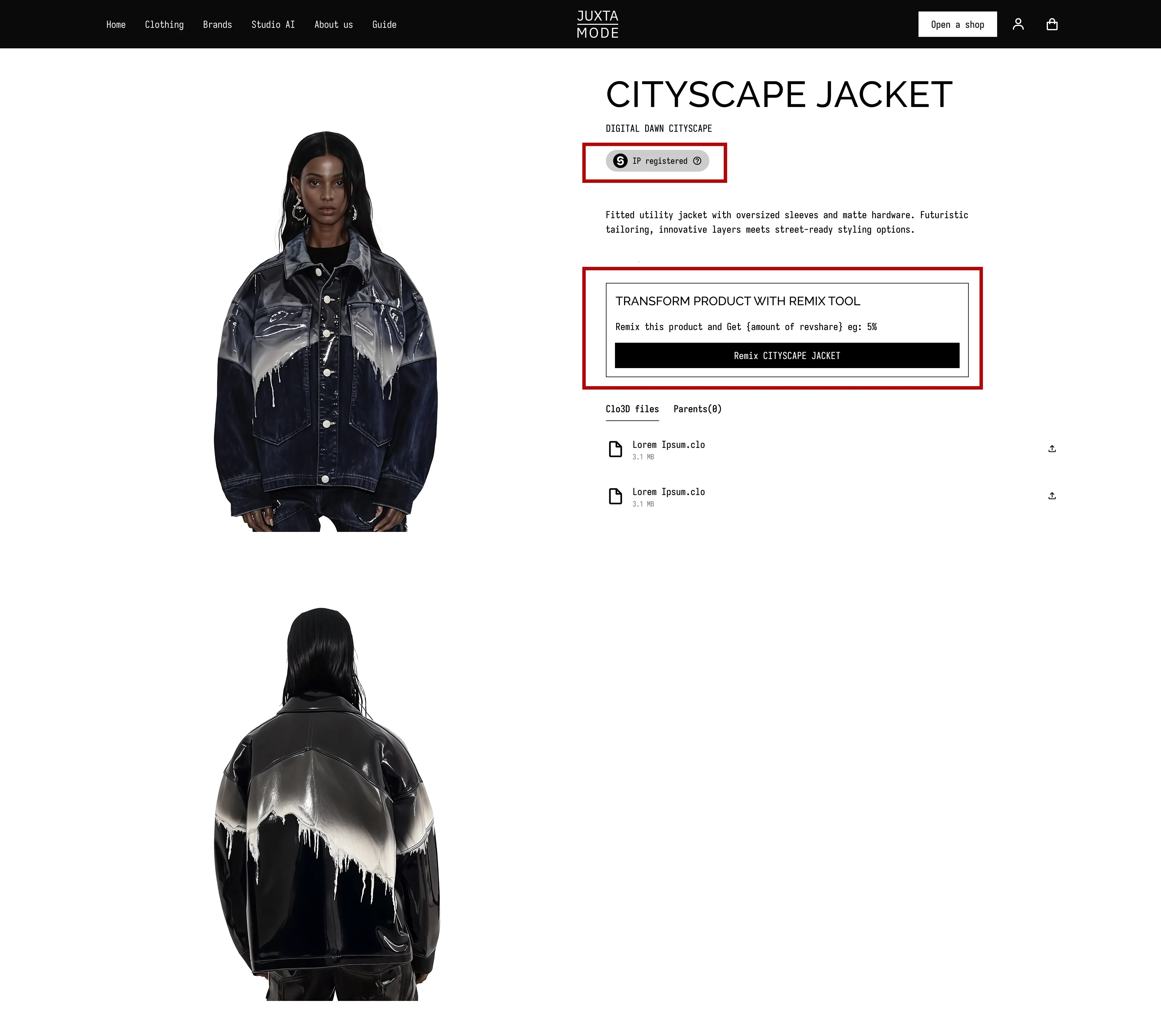
To remix a piece from an original live collection, browse via Brand / Collection / Product Catalog. Click on the product to open its Product Card. You'll see an IP registration badge (indicating IP protection), information about the royalty share and the "Remix" button - press it to start.
-
Use Available Assets
If the parent license allows it, you can use the attached images and additional files provided on the product card as part of your remix.
-
Submit Your Remix Design
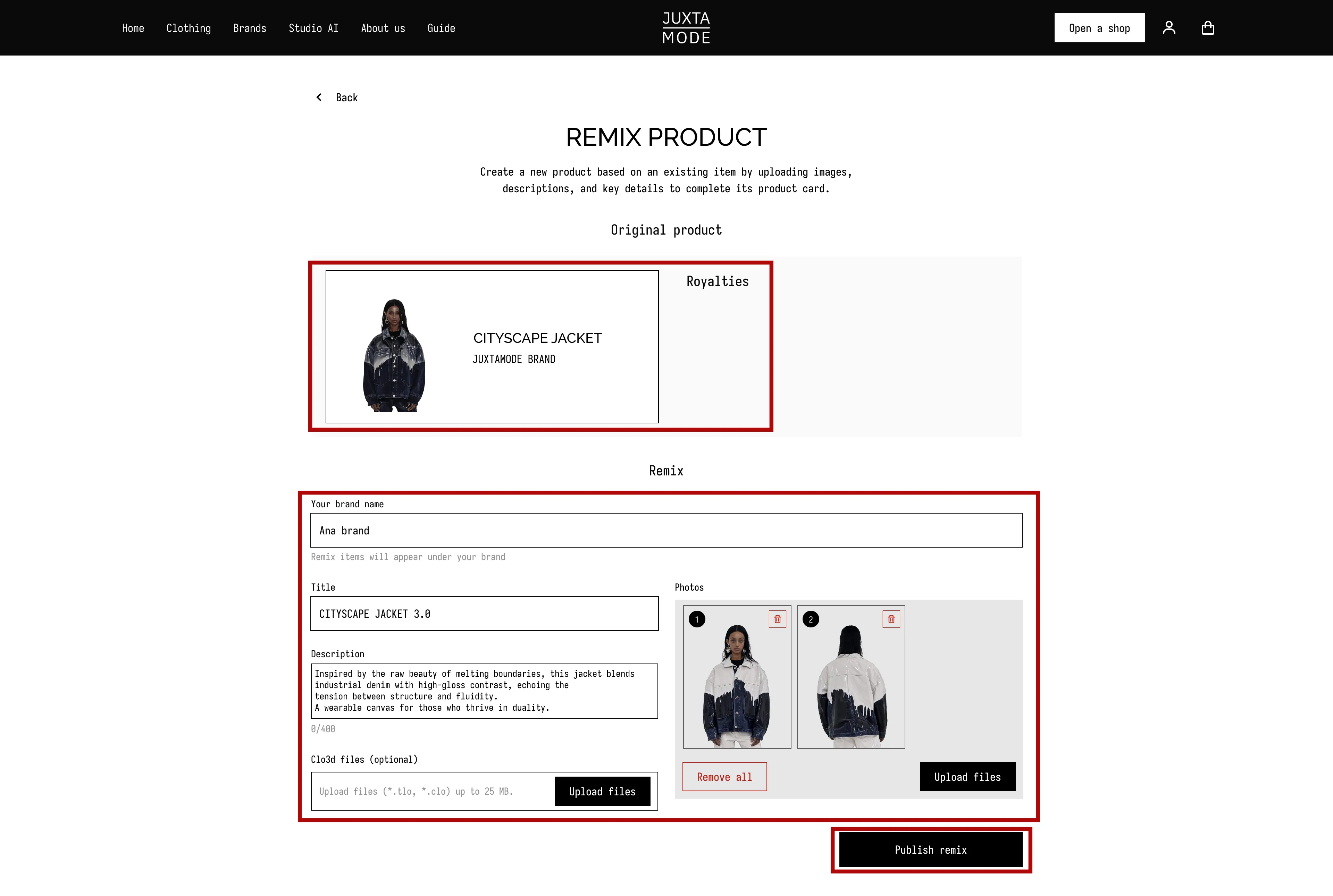
After clicking the "Remix" button, you'll be redirected to the Remix Product Page.There, you can:
- Add your brand name
- Enter the name and description of your remixed design
- Upload visuals (front/back/material close-up/etc.)
The process is similar to adding a product to an original collection. The difference:
- You'll see parent assets displayed at the top
- Royalty terms will be shown according to the selected license
-
Publish Your Remix
Once all files and details are reviewed, press the "Publish Remix" button. You'll receive a notification confirming that your remixed items were successfully submitted and published (after your final approval).
-
Manage Remixed Collections
On your Brand Page, remixed collections are shown separately from original ones.
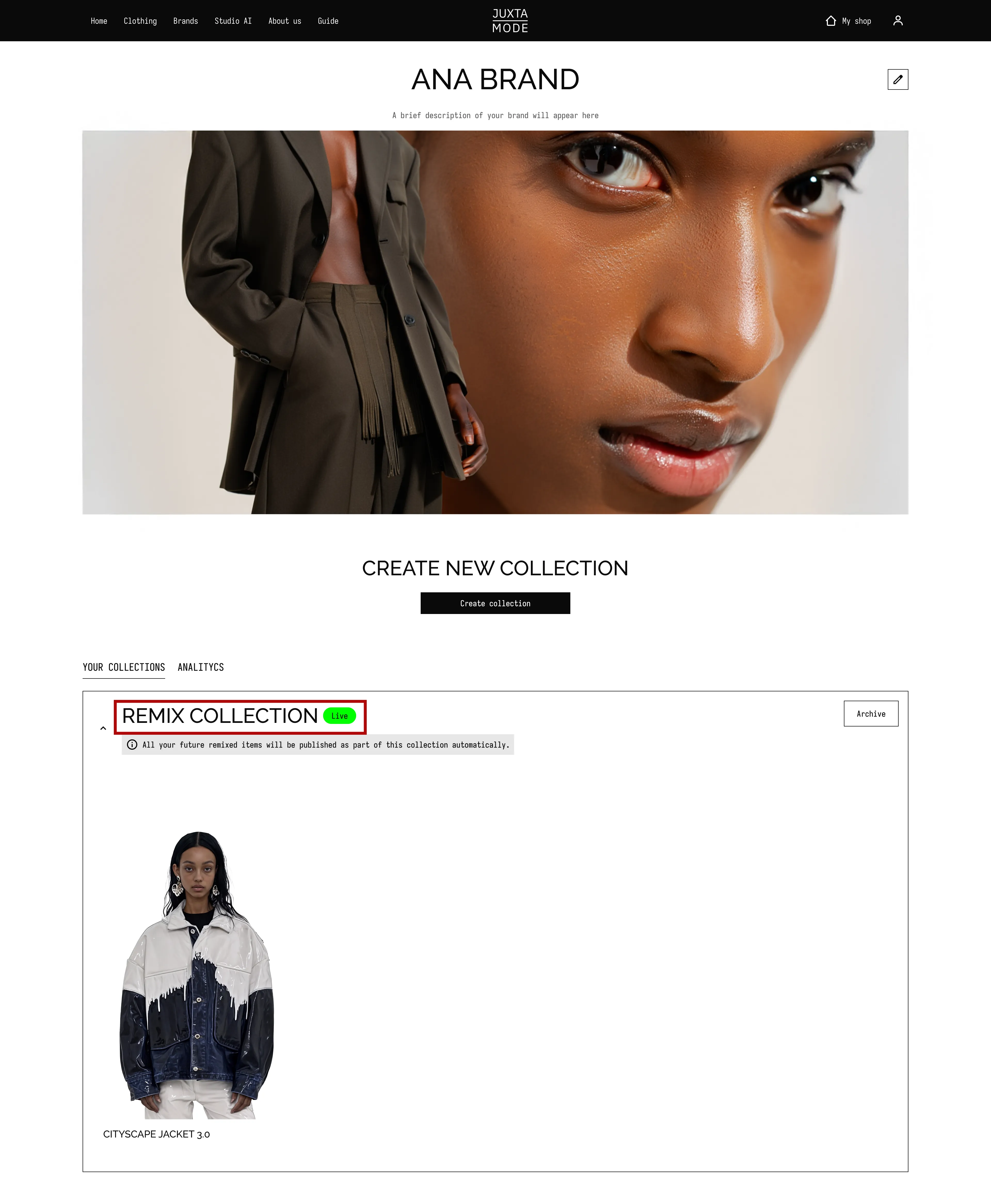
If you're the owner of the original collection, you will be able to see all remixes published on JUXTAMODE based on your designs - creating a transparent ecosystem of derivative creativity.