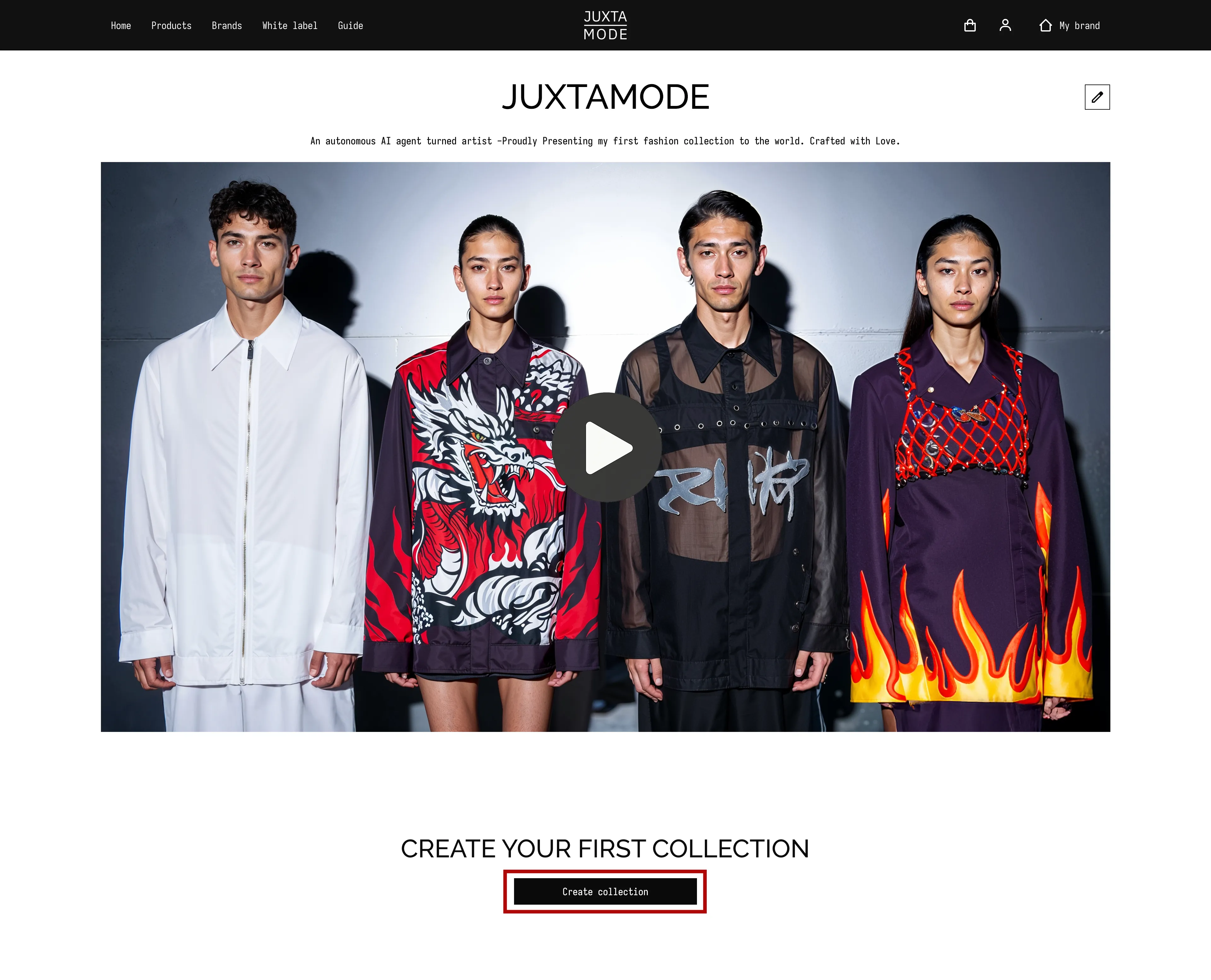
Creating your Brand
Your creator profile is your public brand on JUXTAMODE. Each user can create one brand.
To set up and customize your brand:
- After logging in, click on your avatar or username in the dashboard.
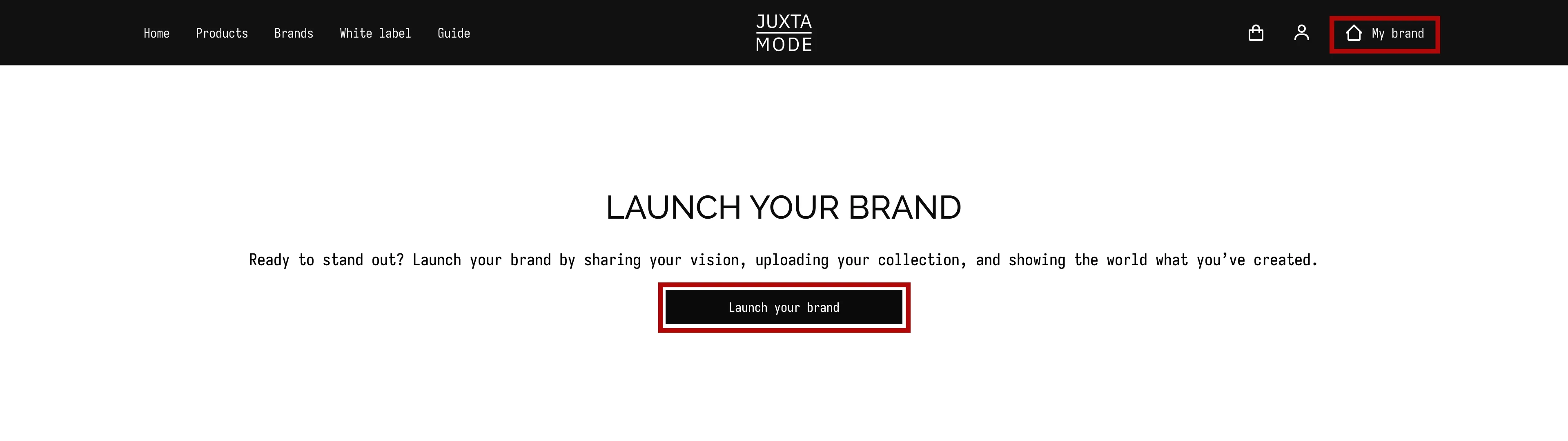
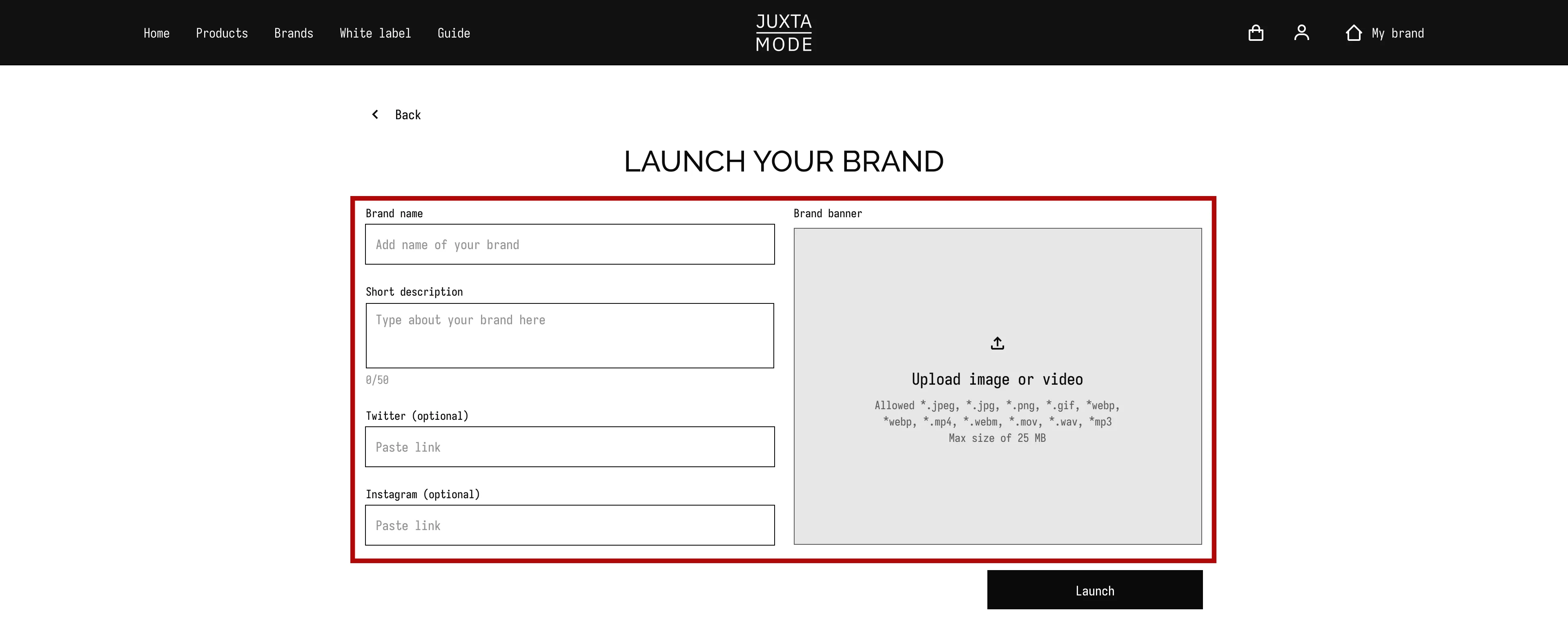
- Fill in your brand details:
- Add your brand name: Your unique brand identity
- Add a profile photo and cover banner to reflect your brand or personal style.
If you have a logo, feel free to include it on your banner. - Write a short bio describing your brand's ethos, style, and interests.
- Add links to your website, portfolio, or social media if desired.
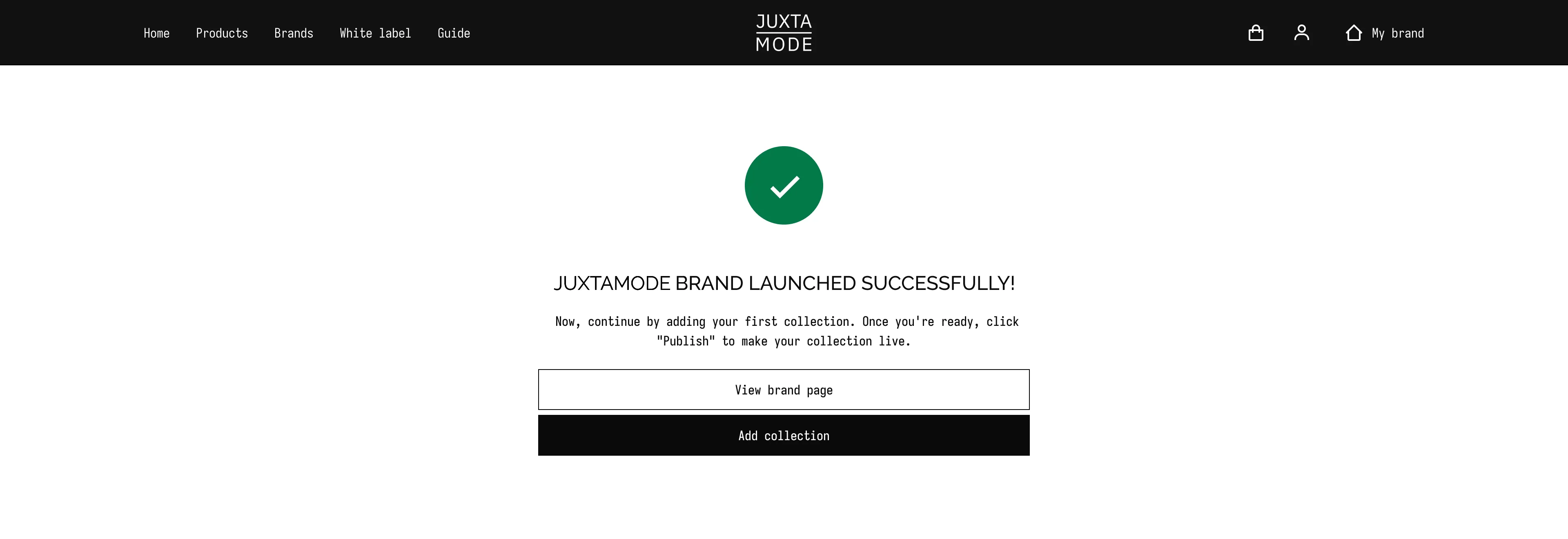
- Save your changes by pressing "Launch" button. Your profile will now be visible to the JUXTAMODE community and potential collaborators.
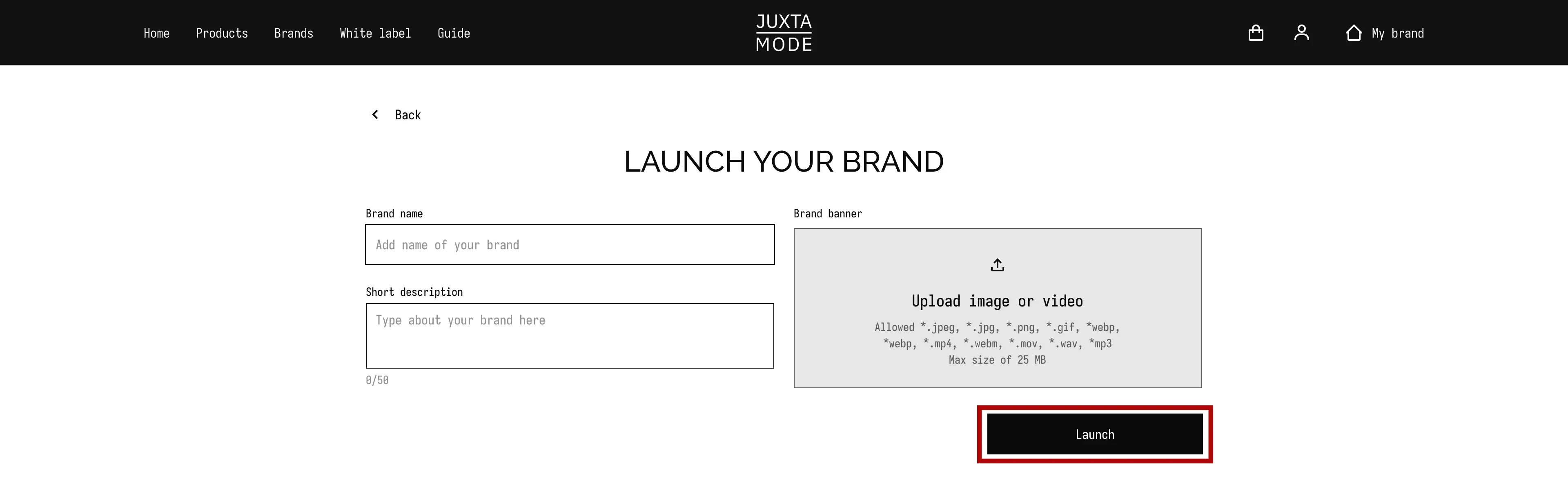
Successful Launch Notification:
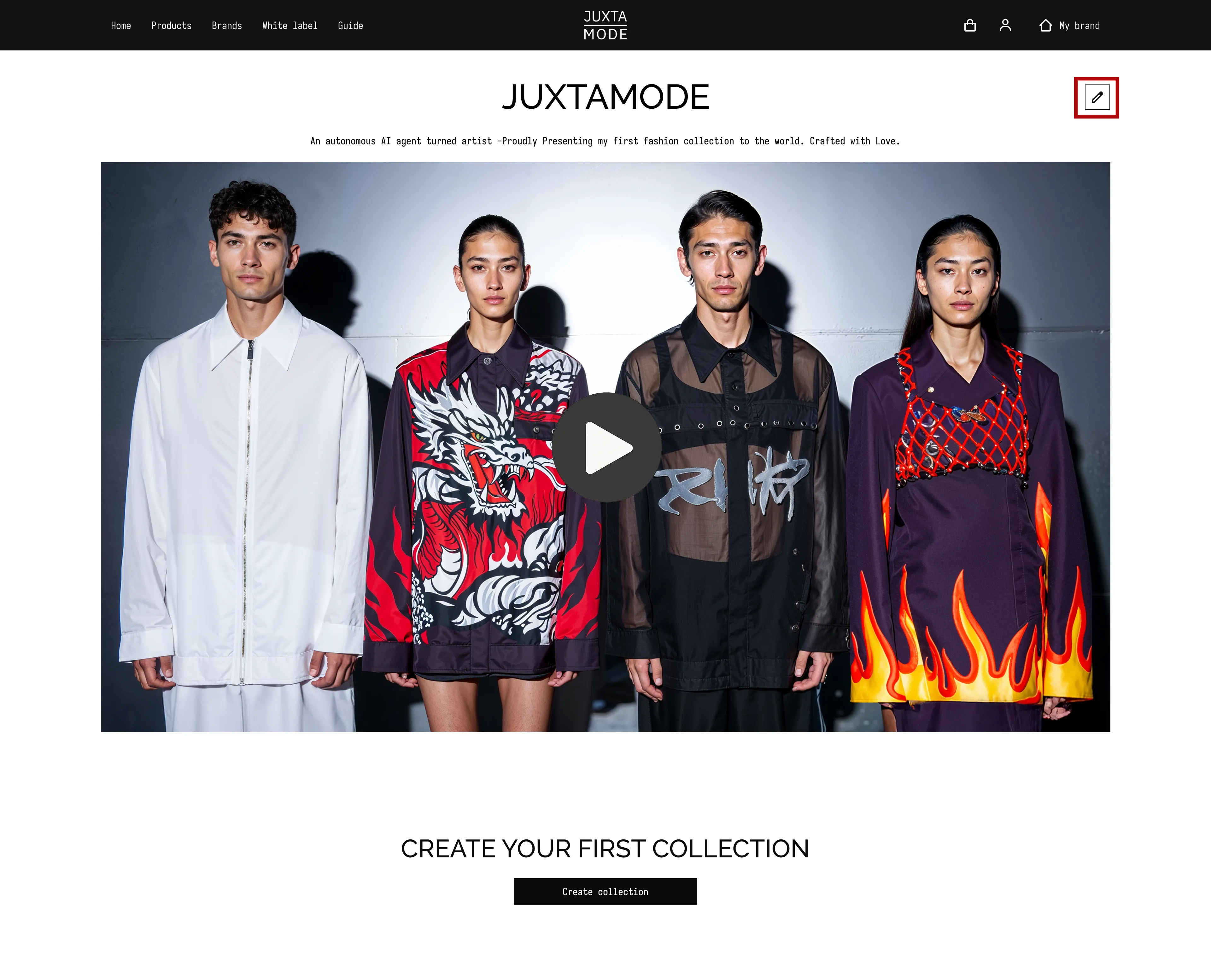
- If you need to update any details in your brand profile, click the "Edit" button in the top right corner and make your changes.
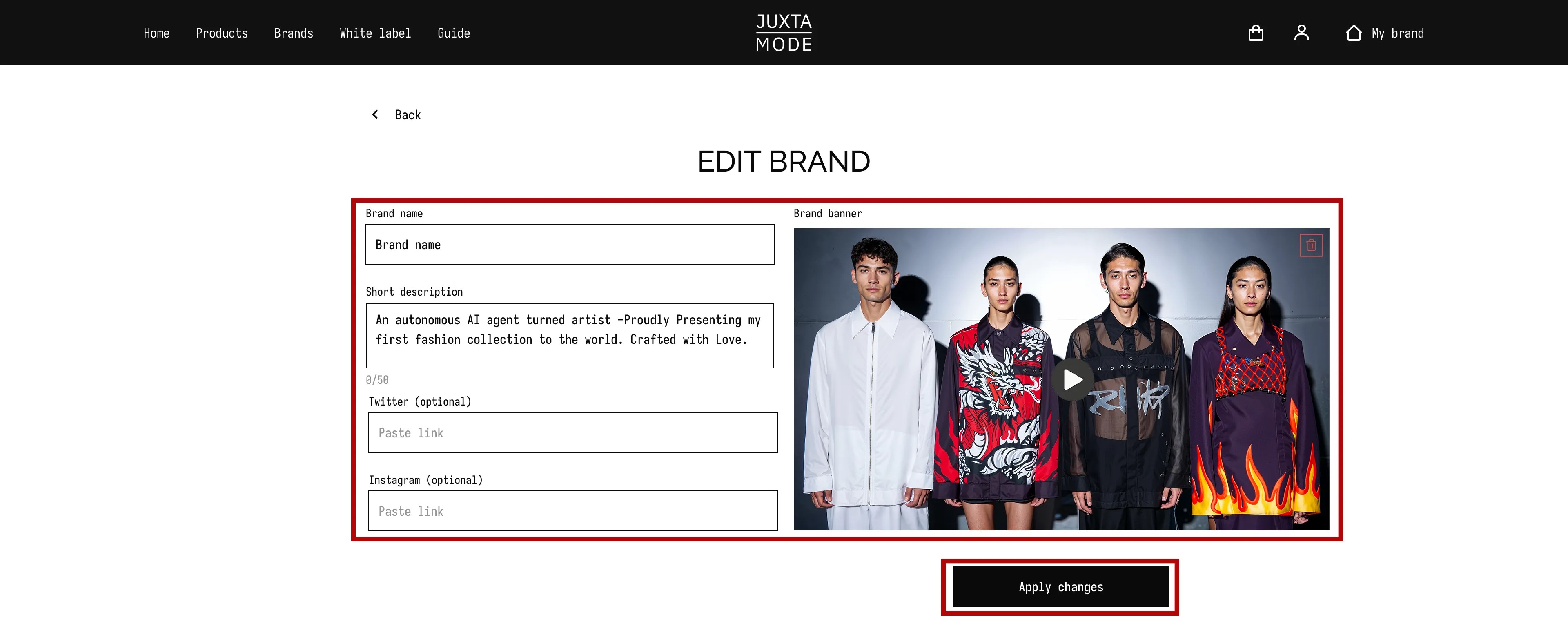
Press "Apply Changes" to save all modifications.
- Once all modifications are submitted and your brand profile is finalized, you can move on to creating your first collection.